
iPhone · Android · Web
Redesign any room
from one photo.
Take a picture of the space you want to change, pick a style, and see it transformed in seconds — walls, windows and camera angle intact. Inside and out: interiors, facades, gardens, paint and flooring.


Free to try · No account, no email · 78 styles across 28 spaces
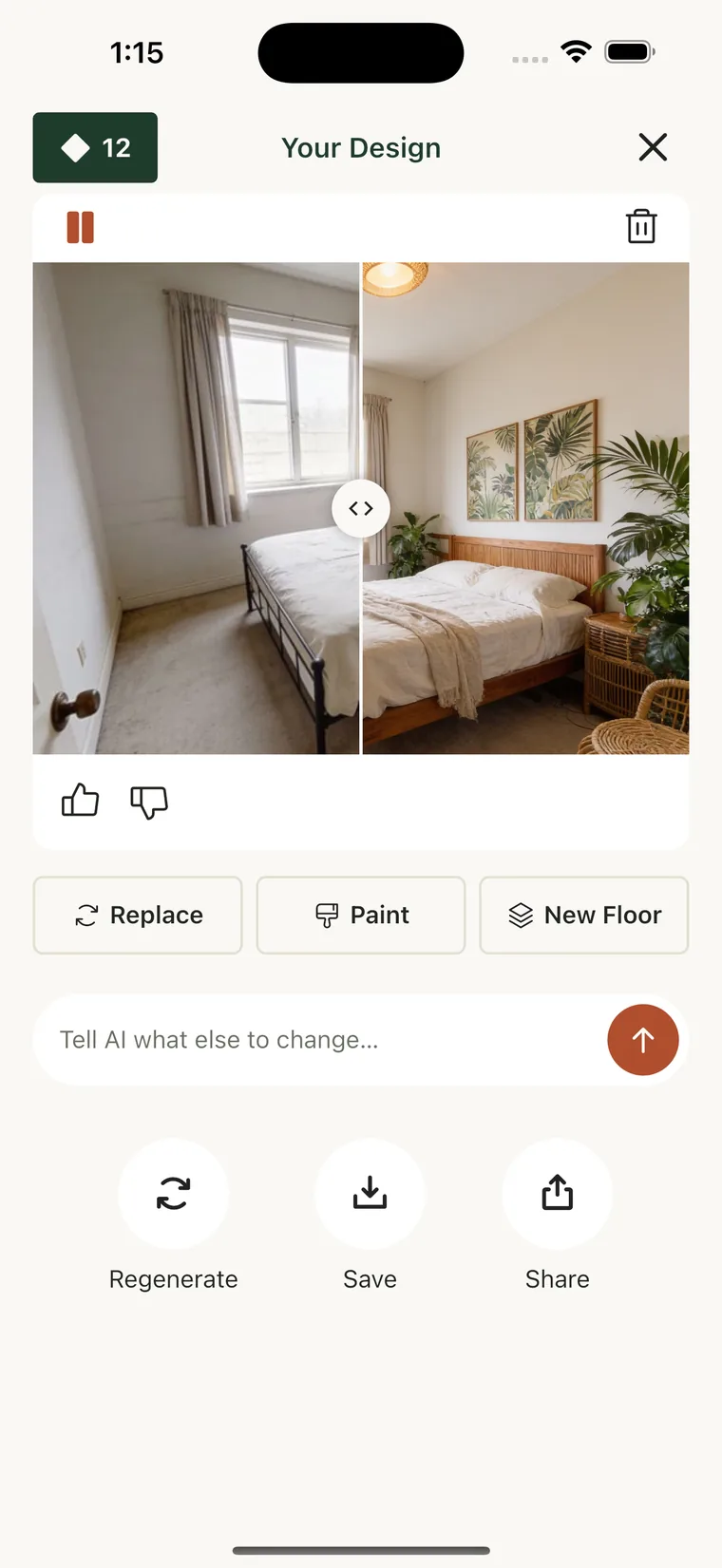
One photo is the whole input
Point your camera at the room. No measuring, no floor plan, no modelling — the design comes back as a photograph of your own space.
It stays your room
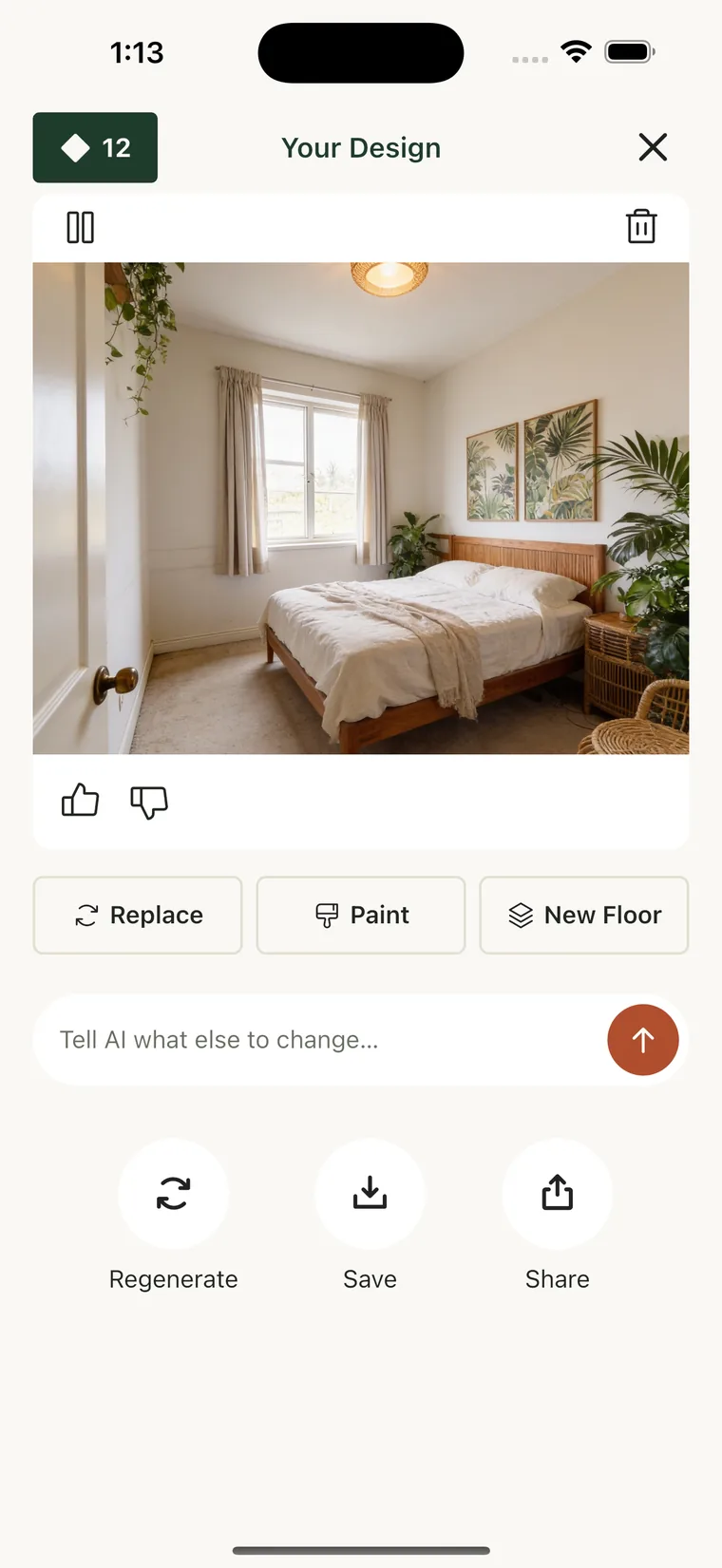
Structural mode holds the walls, ceiling height, windows and camera angle exactly where they are, so the result is something you could actually build.
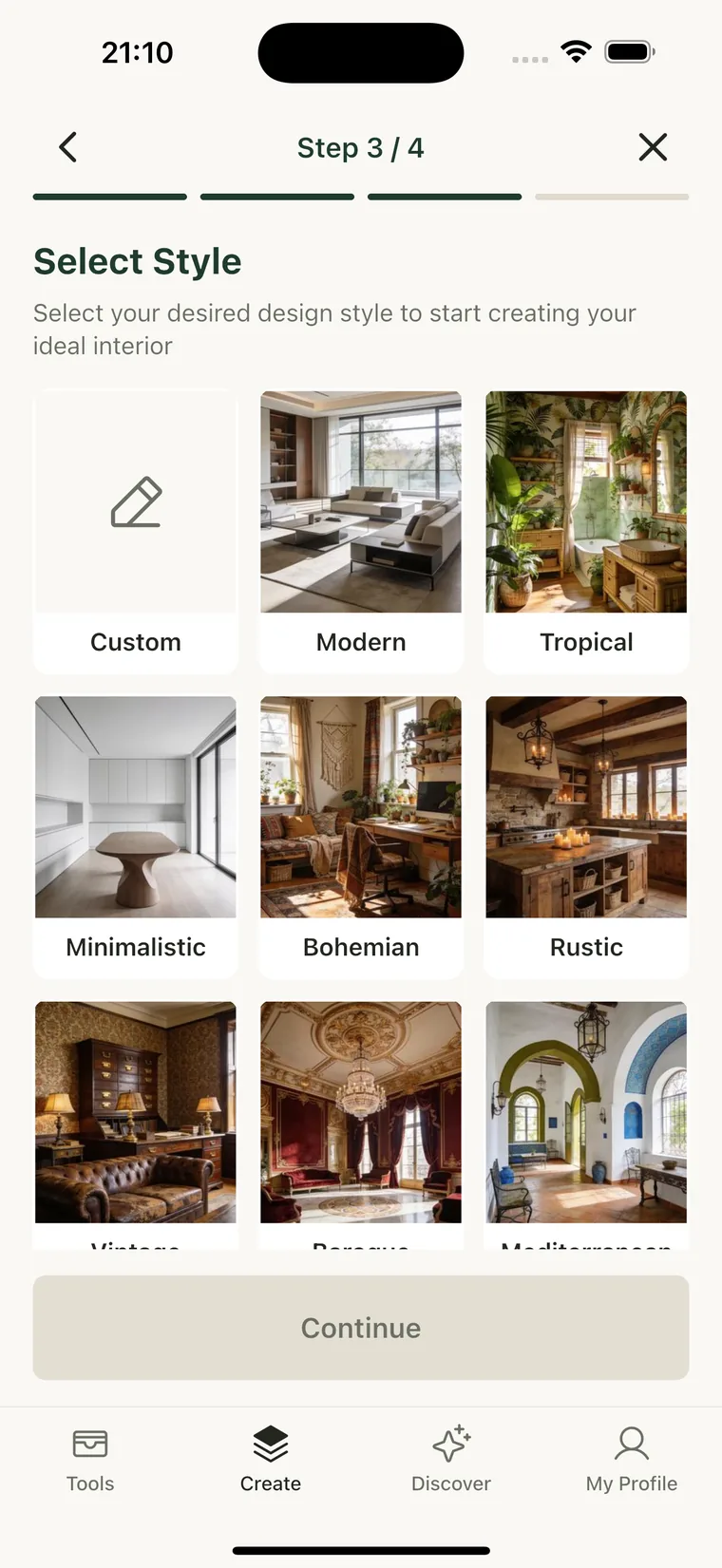
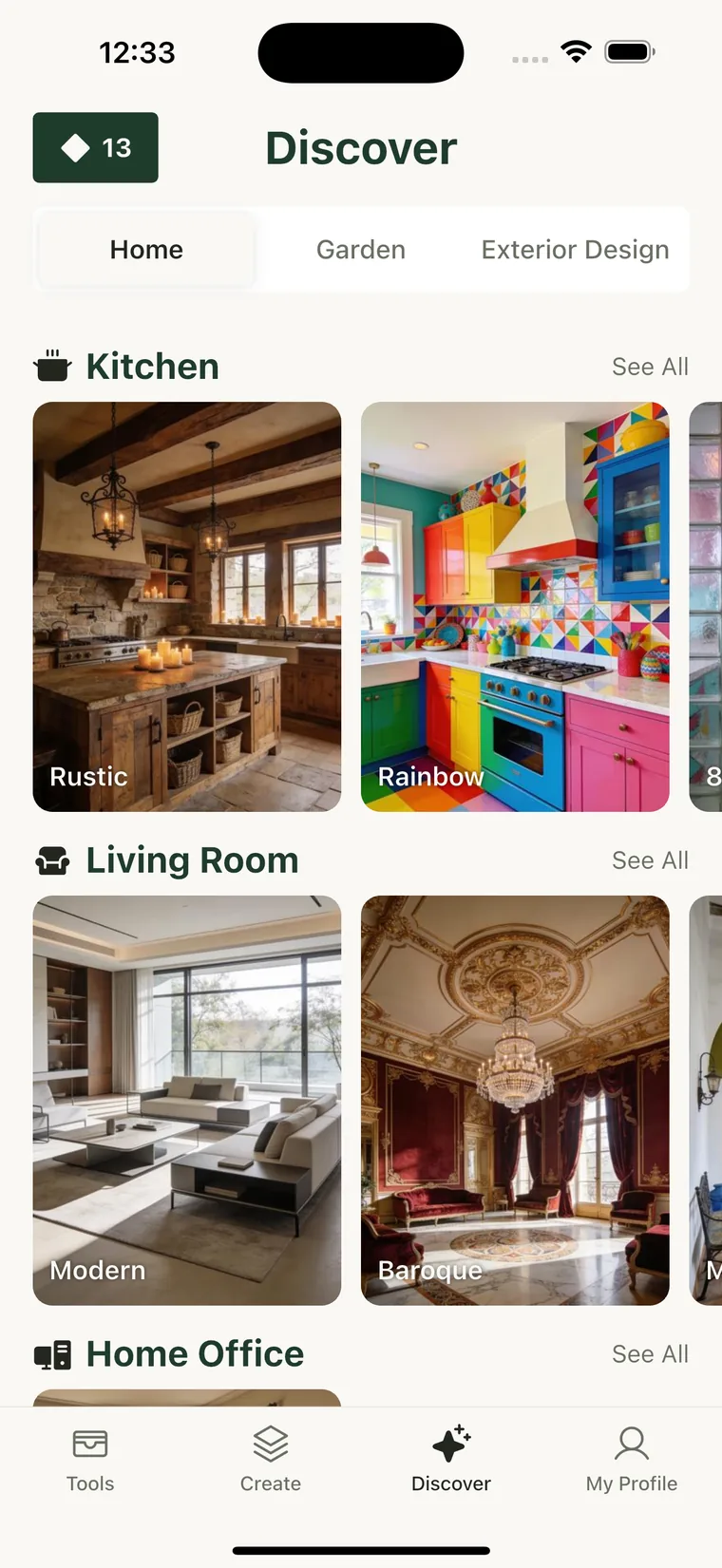
78 styles, 28 spaces
From Japandi to Baroque, kitchen to attic, backyard to facade — or describe the look you want in your own words and let it work from that.
Keep going from the result
Not quite right? Tell it what to change and it edits the version you are looking at, instead of starting over from the original photo.
What's inside
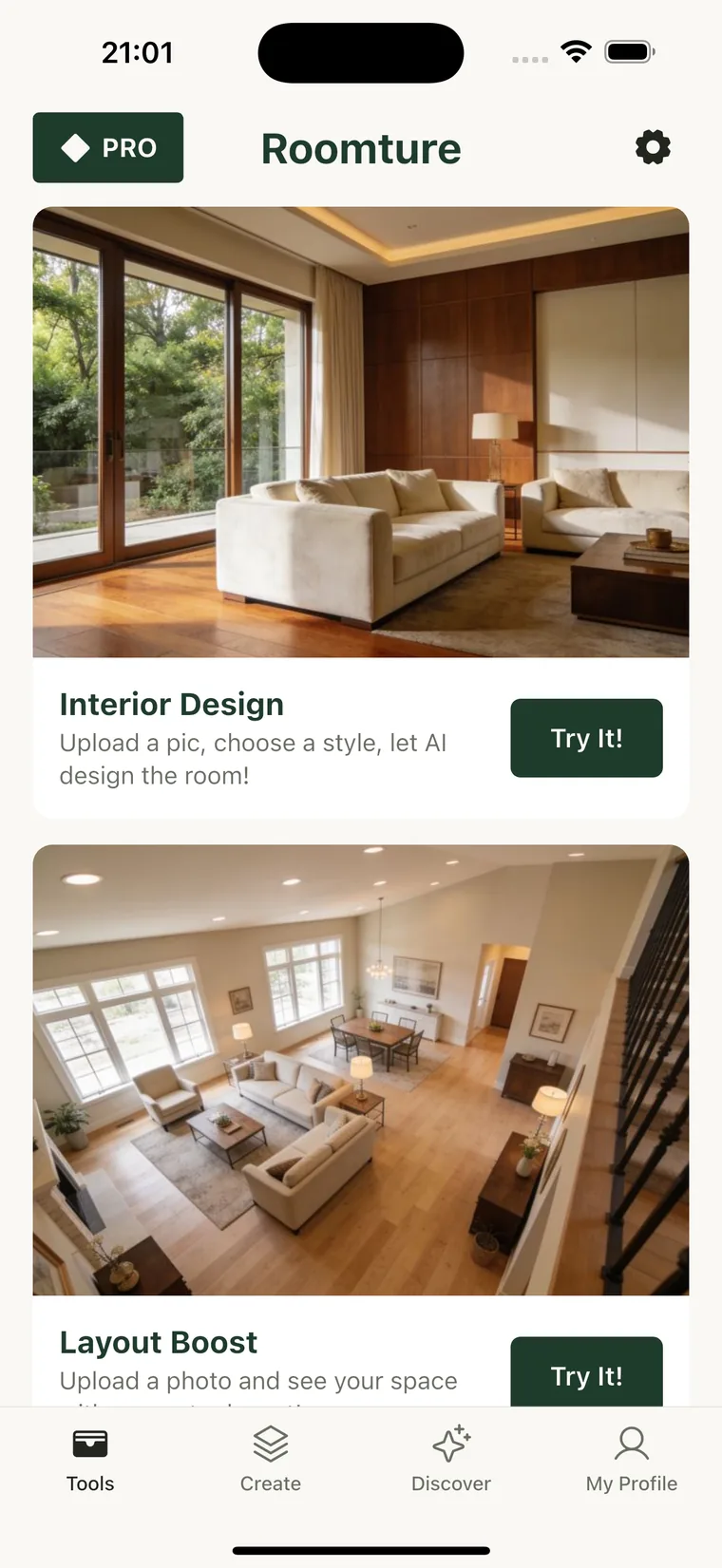
Nine tools, one photo each
Interior Design
Redesign a room in the style you pick, with an optional colour palette. 30 interior styles.
Layout Boost
Keep your furniture and style, rearrange it for better flow and light.
Exterior Design
Reimagine the facade of a house from a photo of the front. 24 exterior styles.
Garden Design
Turn a yard, balcony or patio into a place you want to sit. 24 garden styles.
Paint
Pick an exact colour and see it on your walls before buying a tin.
New Floor
Swap in oak herringbone, marble, terrazzo, microcement and more — 12 materials.
Reference Style
Show it a photo you love and it applies that look to your own room.
Replace Object
Describe one swap — that sofa for a tan leather one — and only that changes.
Cleanup
Strip out the clutter, cables and clothes horses to see the space itself.
Pricing
Free to try. Pro when you want more.
Roomture is a free download that includes designs to try on your own room, so you can see what it does before paying anything.
- 50 redesigns every 12 hours
- No watermark on your designs
- Our highest-quality AI model
- Priority queue — skip the wait
Subscriptions are billed through the App Store or Google Play and can be cancelled there at any time.
Questions
Before you download
- Do I need an account?
- No. There is no sign-up, no password and no email address. The app creates an anonymous device identifier on first launch and that is your whole identity.
- What happens to the photos I upload?
- They go to our servers and to the AI provider that generates the design, and nowhere else. They are never used to train models and never sold. Delete a design in the app and its photos go with it.
- Will it keep my room, or invent a new one?
- You choose. Structural mode holds the walls, windows, ceiling height and camera angle in place. Renovation mode gives the AI freedom to reimagine the space.
- Is it free?
- The app is a free download and includes designs to try on your own room. Pro removes the watermark, lifts the free cap, uses our highest-quality model and puts your generations at the front of the queue.
- Can I use it without installing anything?
- Yes. app.roomture.com runs the same nine tools in your browser, with no sign-up. Two things worth knowing: designs made on the web carry a watermark unless you are on Pro, and Pro is handled by the App Store and Google Play, so it is bought inside the app — a web design and an app subscription are separate for now.
- Can I use the designs to actually renovate?
- Use them the way you would use a mood board. Designs are generated by AI and are illustrative — they are not architectural, structural or engineering advice.
- How do I delete my data?
- Settings has a Delete Account button that removes your designs, photos and quota record. There is also a web page describing the process, linked in the footer.
See your own room, redesigned
Free to download, or open it in your browser. No account, no email address, nothing to cancel if you decide it is not for you.